Deposits
Collect a configured amount during booking to protect reserved time.

Payments connected to the appointment
Collect a deposit or full payment online, request payment later, record offline payments and keep the result connected to the appointment and client.
No credit card required. £10 per active team member per month after your trial.
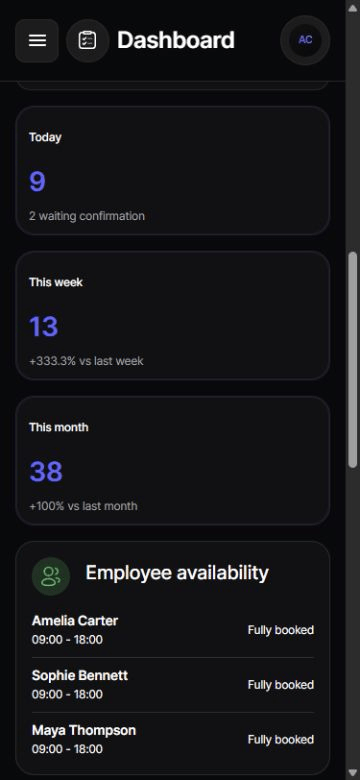
Bookahead works across desktop and mobile
Collect a configured amount during booking to protect reserved time.
Let customers pay the service price online before the appointment.
Send a secure payment request or take an authorised saved-card payment when appropriate.
Record cash and other offline payment methods so the appointment stays reconciled.
Powered by Stripe Connect
Bookahead connects the payment to the booking so the business can see what was requested, collected, refunded or recorded offline.
At booking
Choose an online payment approach that fits the service, then let Stripe securely handle the customer's card details and business payout.
After booking
Send a secure customer payment page for a booking that was originally set to pay later, with optional tips shown on supported payment screens.
Policies
Saved-card no-show charges depend on clear customer acceptance, a disclosed maximum and a fair policy. Bookahead records the relevant booking consent rather than treating card storage alone as permission.
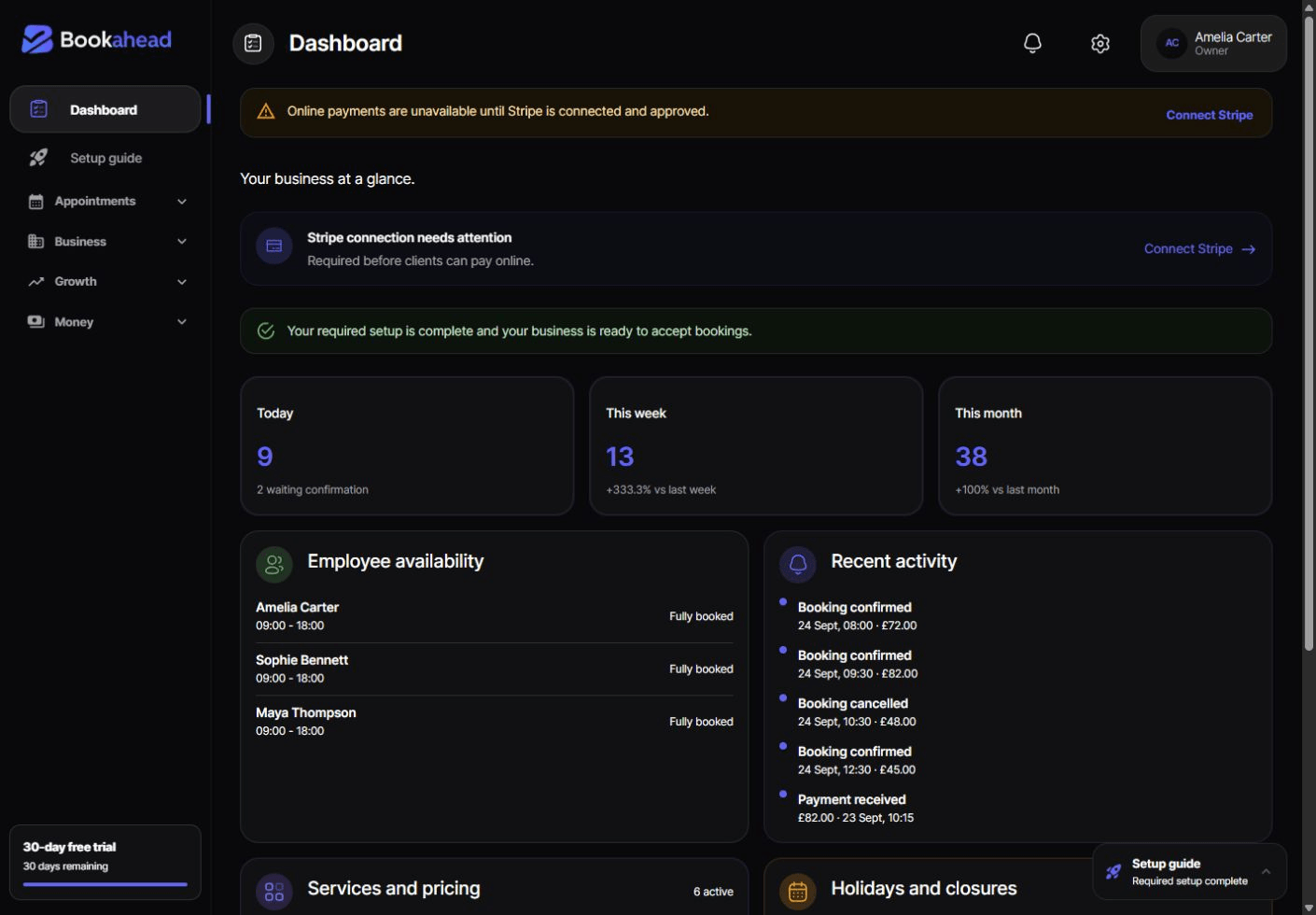
One payment trail
Payment status appears with the booking so the team does not need to reconcile an unrelated checkout list against the diary.
Keep exploring
Feature guide
An online appointment booking system for UK service businesses with real availability, branded booking pages, payments, mobile services and client management.
Feature guide
Create service-specific consultation, policy, pre-treatment and aftercare forms for appointment clients with Bookahead booking software.
Industry guide
Online booking software for UK barbers and barbershops. Manage fast repeat services, barber schedules, deposits, clients and no-show controls.
Questions
No. Card information is handled by Stripe. Bookahead stores the identifiers and payment status needed to connect the transaction to the appointment.
Yes. Offline payment records keep the appointment and payment ledger accurate without pretending the money passed through Stripe.
Supported customer payment screens can offer a tip alongside the amount due.
Only where the customer gave specific authority to a clearly disclosed, fair policy and the business follows the applicable legal and Stripe requirements.
Start with every feature for 30 days. No credit card required.
Start free trial