Google Calendar
Connect a Google account and use selected calendars when checking external conflicts.

Google and Apple calendar integration
Connect Google Calendar or Apple Calendar, select the personal, work or shared calendars that matter and use busy events to protect availability in Bookahead.
No credit card required. £10 per active team member per month after your trial.
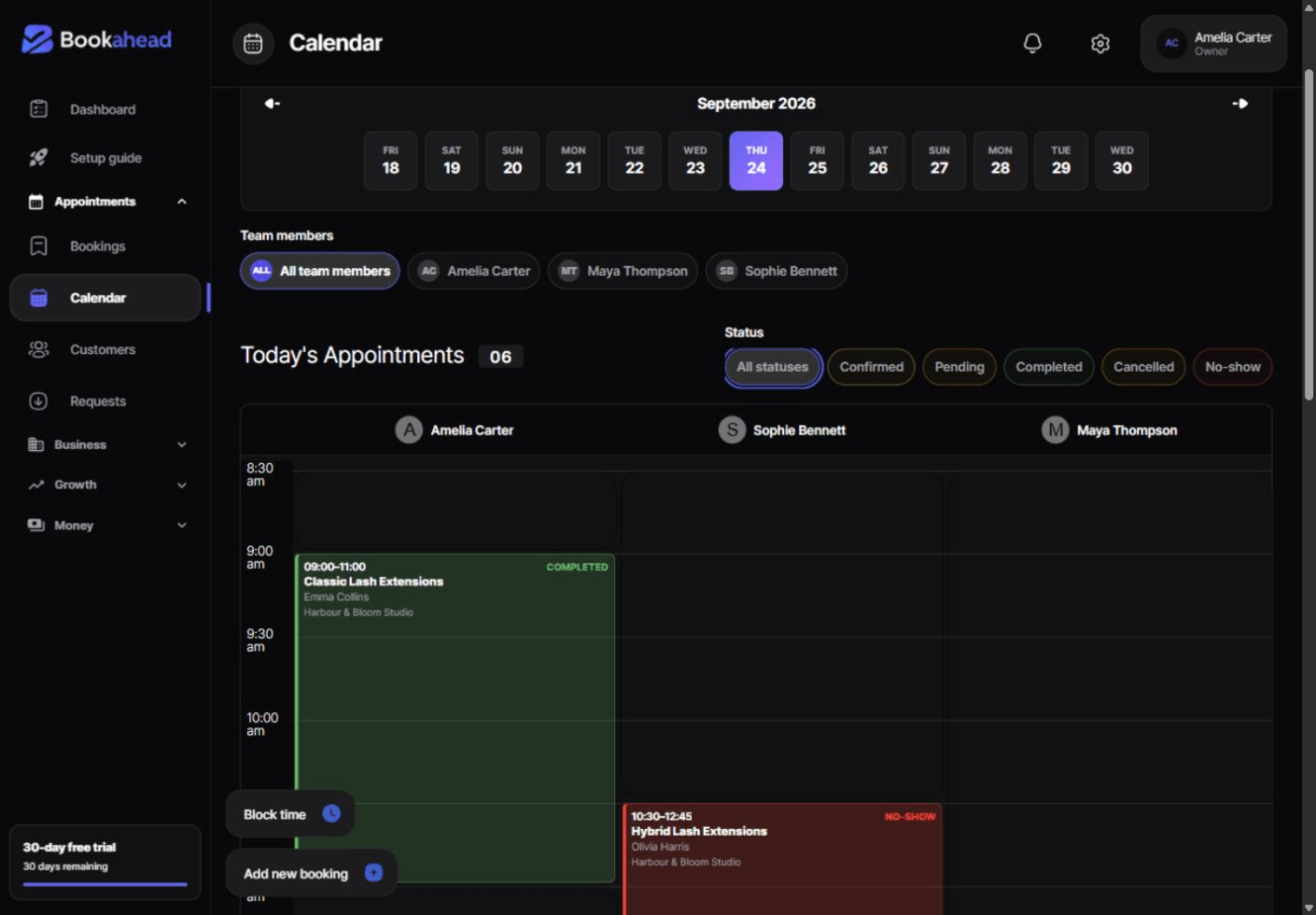
Bookahead works across desktop and mobile
Connect a Google account and use selected calendars when checking external conflicts.
Connect through Apple's CalDAV service using an app-specific password.
Choose whether personal, work or shared family calendars should block booking time.
Use synchronised busy events instead of relying on a manual Sync button before every booking.
Your calendars, your choice
Calendar selection lets each provider decide which connected calendars contribute busy time, avoiding an all-or-nothing connection.
Conflict detection
Selected calendar events are considered alongside Bookahead appointments and working hours when determining which slots remain bookable.
Per-provider connection
Calendar integrations sit with the team member's scheduling setup, keeping external commitments relevant to that provider's availability.
Automated sync
The integration is designed to refresh calendar information automatically, with connection state and attention requirements shown in the platform.
British time handled correctly
Bookahead stores and compares calendar times with timezone context so UK availability remains aligned when daylight-saving time changes.
Keep exploring
Feature guide
Team scheduling software for UK appointment businesses with provider working hours, service assignments, one-off availability and calendar columns.
Feature guide
An online appointment booking system for UK service businesses with real availability, branded booking pages, payments, mobile services and client management.
Industry guide
Booking software for UK personal trainers. Manage session types, client bookings, working hours, mobile locations, payments and forms in one place.
Questions
Yes. Select the connected personal, work or shared calendars that should contribute busy time.
Apple's CalDAV connection uses an app-specific password so Bookahead does not receive the main Apple Account password.
Only if that calendar is selected for conflict checking. Leave it unselected if family events should not affect bookable work time.
Availability and calendar boundaries use Europe/London timezone handling so GMT and BST transitions are calculated consistently.
Start with every feature for 30 days. No credit card required.
Start free trial